Screen, Speaker, LEDs, and IMU
Dotbot Flip combines a built-in screen, speaker, RGB LED array, and IMU to make setup, gameplay, and programming easier to understand.
Screen
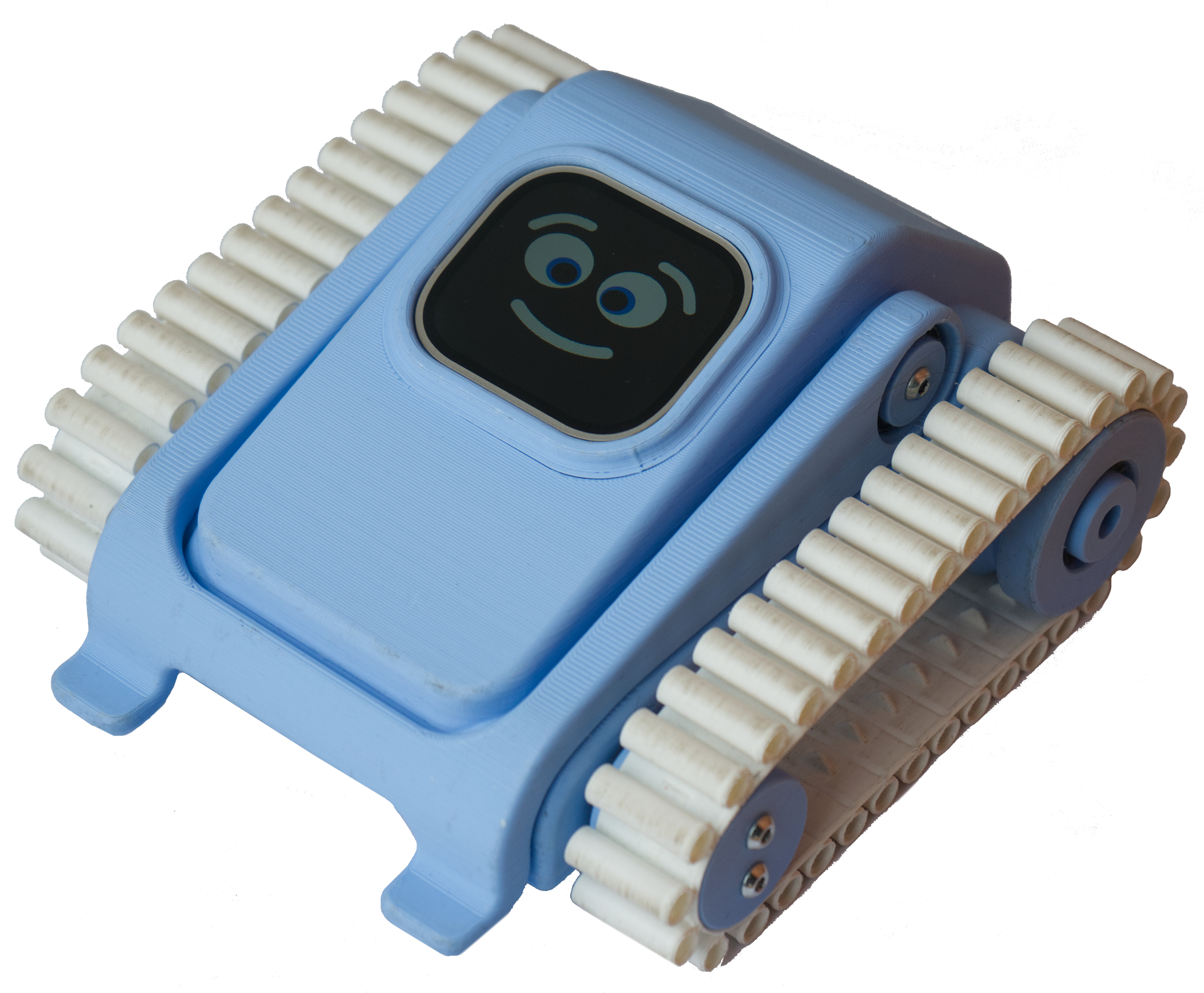
Dotbot Flip uses a 2-inch, 296x240 IPS LCD display with configurable brightness.
The screen is used for:
- startup and connection status
- battery information
- current mode or game state
- prompts and local feedback
Speaker
The robot can play built-in sounds, as well as short MP3 clips sent from the app.
The speaker can be used for:
- startup tones
- alerts
- action feedback
- game effects
Volume can be configured through the app via Blockly or MicroPython.
Audio feedback helps when you are focused on the match or not looking directly at the app.
RGB LEDs
Dotbot Flip has 9 full-color RGB LEDs:
- 4 on the bottom, one at each corner of the robot
- 5 on the strip on the top rear section
The LED system can show:
- charging or battery state
- active mode
- player or team identity
- custom effects created in software
This is especially useful when several robots are active at the same time.
The top rear strip and bottom corner LEDs can be controlled from Play, Blockly, and MicroPython.
IMU
Dotbot Flip includes an IMU made up of an accelerometer and gyroscope combination.
This sensor data can be used to infer the orientation of the robot and detect how it is moving in space.
Typical uses include:
- estimating whether the robot is level, tilted, or flipped over
- detecting motion and rotation
- supporting gameplay or control logic that depends on robot orientation